The Age-Old Problem: When Tables Hit Tens of Millions of Rows
Imagine managing a paper document archive. You stuff 10 million contracts into a single unlabeled room. Every time your boss asks for a 2021 contract, you have to comb through every single shelf. Conversely, if you organize the room with dedicated filing cabinets for each year, finding a 2021 contract takes only seconds by walking straight to that specific cabinet.
A MySQL database operates in the exact same way.
When a users table reaches 10 million rows, you can still get by by optimizing B-Tree indexes. But for tables like orders, system logs, or IoT telemetry hitting 50 to 100 million rows, indexes start backfiring. The combined size of the data and indexes far exceeds the InnoDB Buffer Pool (often limited to 16GB or 32GB of RAM on the server). NVMe drives start grinding under heavy I/O, and queries choke in queues.
The biggest headache comes when purging old data. Running DELETE FROM logs WHERE created_at < '2023-01-01' on a 50-million-row table bloats the undo log, locks massive amounts of rows, and causes severe I/O bottlenecks. Your application can freeze for hours. Table Partitioning was designed specifically to solve this problem.
What Is Table Partitioning?
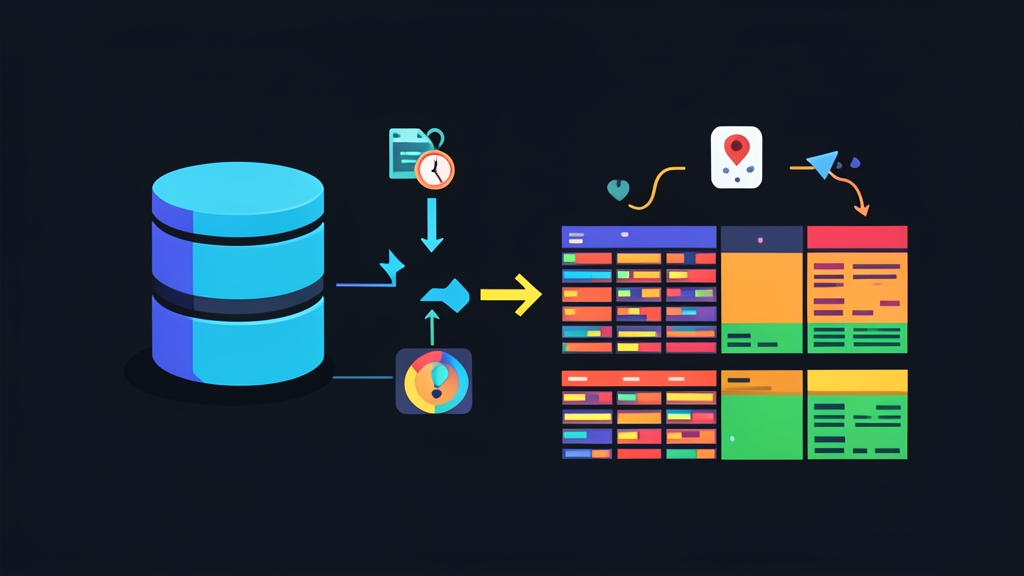
Simply put, Table Partitioning breaks a massive table down into multiple independent parts on disk (each partition is stored as a distinct .ibd file in InnoDB). To your backend application, however, it still appears as a single unified table.
You don’t need to rewrite code or manually split tables into orders_2022, orders_2023 and stitch them back together with UNION. Your queries remain unchanged:
SELECT * FROM orders WHERE order_date = '2024-05-10';Under the hood, MySQL’s query optimizer activates Partition Pruning. It inspects the WHERE clause, pinpoints the 2024 partition, and skips the rest entirely. Instead of scanning 100 million rows, MySQL examines only the 6 million rows belonging to 2024. The performance gain is substantial.
The Two Most Common Partitioning Types
- RANGE Partitioning: Divides data across contiguous ranges of values. Most commonly based on timestamps (year, quarter, month) or auto-incrementing ID ranges (e.g., 1 to 1,000,000).
- LIST Partitioning: Divides data based on predefined discrete lists of values. Examples include geographic region IDs (North: 1, Central: 2, South: 3) or order status codes.
The Golden Rule: Every unique key (Primary Key or Unique Key) on the table must include the partition column. If your table’s primary key is just id and you attempt to partition by order_date, MySQL will immediately refuse to create or alter the table.
Hands-on: Configuring RANGE and LIST Partitioning
1. Time-Range Partitioning (RANGE)
Suppose we design an orders table storing 80 million e-commerce orders, adding roughly 20 million records each year:
CREATE TABLE orders (
    id BIGINT NOT NULL AUTO_INCREMENT,
    customer_id INT NOT NULL,
    order_amount DECIMAL(10, 2) NOT NULL,
    order_date DATE NOT NULL,
    PRIMARY KEY (id, order_date)
)
ENGINE=InnoDB
PARTITION BY RANGE (YEAR(order_date)) (
    PARTITION p2022 VALUES LESS THAN (2023),
    PARTITION p2023 VALUES LESS THAN (2024),
    PARTITION p2024 VALUES LESS THAN (2025),
    PARTITION p_future VALUES LESS THAN MAXVALUE
);
Key highlights of this configuration:
p2022captures data from 2022 and earlier.p2023andp2024store data for their respective years.p_futurewith theMAXVALUEclause acts as a catch-all safety net. Without it, an order created in 2025 will cause MySQL to throw the error “Table has no partition for value 2025” and reject the insert.
Let’s run EXPLAIN to verify Partition Pruning in action:
EXPLAIN SELECT * FROM orders WHERE order_date BETWEEN '2023-03-01' AND '2023-06-30';Looking at the partitions column in the output, you will see only p2023 listed. MySQL has eliminated the other three partitions from memory and execution.
The Biggest Advantage: Instant Data Purging. After three years, say you want to delete all 2022 data to reclaim 30GB of disk space. Instead of running a heavy DELETE query that clogs the system, you only need to run a single command:
ALTER TABLE orders DROP PARTITION p2022;This command directly removes the physical file from disk. The operation completes in under 0.05 seconds, freeing up storage instantly without generating undo logs or locking the entire table.
2. Discrete Value Partitioning (LIST)
Consider a scenario where you create a store_sales table with branches split across three geographic regions: North (Region IDs: 1, 2), Central (3, 4), and South (5, 6):
CREATE TABLE store_sales (
    id BIGINT NOT NULL AUTO_INCREMENT,
    branch_id INT NOT NULL,
    region_id INT NOT NULL,
    revenue DECIMAL(12, 2) NOT NULL,
    created_at TIMESTAMP DEFAULT CURRENT_TIMESTAMP,
    PRIMARY KEY (id, region_id)
)
ENGINE=InnoDB
PARTITION BY LIST (region_id) (
    PARTITION p_north VALUES IN (1, 2),
    PARTITION p_central VALUES IN (3, 4),
    PARTITION p_south VALUES IN (5, 6)
);
When accounting filters sales figures for northern branches:
EXPLAIN SELECT * FROM store_sales WHERE region_id IN (1, 2);MySQL routes the query straight to the p_north partition file, immediately pruning 66% of the data volume that needs to be scanned.
Down the line, if the business expands into the Central Highlands (region IDs 7, 8), you can easily attach a new partition:
ALTER TABLE store_sales ADD PARTITION (
    PARTITION p_highlands VALUES IN (7, 8)
);
When Should (and Shouldn’t) You Use Table Partitioning?
Partitioning solves large-table scaling challenges effectively, but it is not a silver bullet. You should only use it when:
- The table is genuinely massive: The row count exceeds 20 million rows, or the table file size surpasses the database server’s RAM capacity.
- You need scheduled data purging: Logs, audit trails, or historical orders need to be retired periodically on a monthly or yearly basis.
- Queries consistently filter on the partition key: Most critical queries include
WHEREconditions bound to the partitioned column.
Conversely, avoid partitioning smaller tables with fewer than 5 million rows. The overhead of MySQL managing partition metadata will actually slow down queries compared to a standard table.
Beware of one major pitfall: if your application issues a query without specifying the partition column in the WHERE clause, MySQL is forced to scan every single partition (a scatter-gather query). This burns massive amounts of CPU and I/O, completely defeating the purpose of your partitioning strategy.