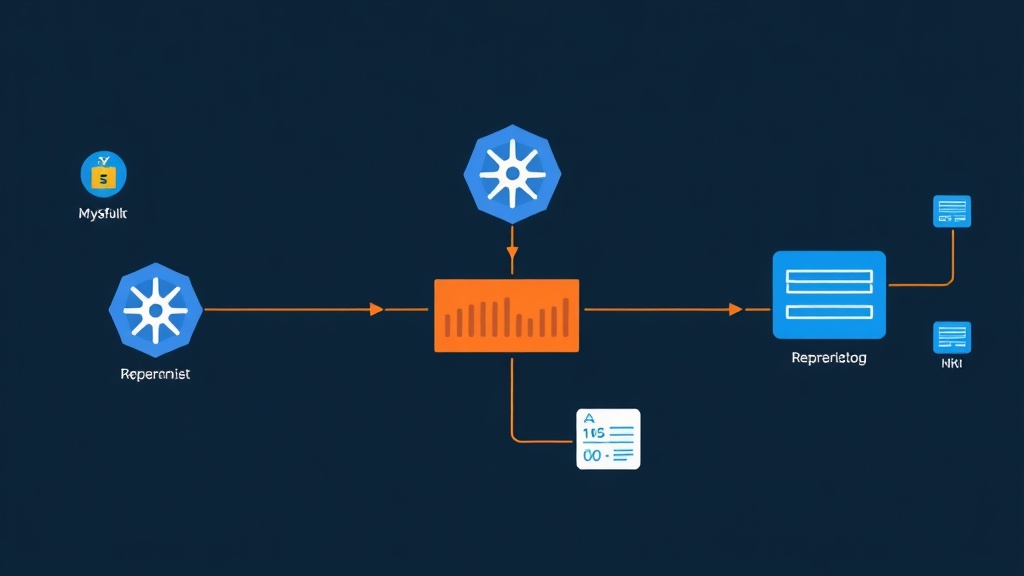
The Pain of Running Databases the “Wrong Way” on K8s
When I first started out with Kubernetes, I thought containerizing everything into a Deployment was enough. For web apps or microservices, it works smoothly. However, I learned a hard lesson when I moved MySQL to a Deployment. One Pod restart, and all the data vanished. Not to mention, every time it came back to life, the Pod’s IP changed, causing the application to lose connection entirely. Databases clearly cannot operate like standard apps.
MySQL is a stateful application. Unlike stateless apps that can be scaled effortlessly, each MySQL instance needs a unique identifier and a lifelong disk attachment. This is where StatefulSet shines. It ensures Pods have fixed names like mysql-0 and mysql-1. Most importantly, it automatically re-attaches the correct Persistent Volume (PV) even if the Pod is deleted or moved to another Node.
The production system I manage runs MySQL 8.0 with 50GB of data, handling about 200-300 transactions per second. Moving to StatefulSet combined with SSD storage has kept the system running flawlessly. The days of staying up all night to fix disk errors are practically gone.
Setting Up a “Home” for Your Data (ConfigMap & Secret)
Before writing manifests, you need to prepare the foundation carefully. Poor configuration will lead to a sharp performance drop under high load.
1. Decoupling Configuration with ConfigMap
Never hardcode your my.cnf file inside the image. I always use a ConfigMap to easily tune parameters like <a href="https://itfromzero.com/en/mysql-en/mysql-performance-tuning-boosting-speed-with-buffer-pool-and-thread-pool-in-practice.html">innodb_buffer_pool_size</a> or max_connections without rebuilding anything.
apiVersion: v1
kind: ConfigMap
metadata:
  name: mysql-config
data:
  my.cnf: |
    [mysqld]
    # Optimized for my 50GB database
    innodb_buffer_pool_size = 2G
    innodb_log_file_size = 512M
    max_connections = 500
    innodb_flush_log_at_trx_commit = 1
    character-set-server = utf8mb4
    collation-server = utf8mb4_unicode_ci
2. Securing Passwords
Forget about hardcoding passwords in YAML files. Use Secrets to keep your system secure.
kubectl create secret generic mysql-pass --from-literal=password='SuperSecretPassword123'Deploying Headless Service and StatefulSet
To allow applications within the K8s cluster to find MySQL, you need a Service. For StatefulSet, I choose a Headless Service (clusterIP: None). This allows apps to connect directly to individual Pod IPs via fixed DNS instead of going through a load balancer.
Creating a Headless Service
apiVersion: v1
kind: Service
metadata:
  name: mysql
  labels:
    app: mysql
spec:
  ports:
    - port: 3306
      name: mysql
  clusterIP: None
  selector:
    app: mysql
A Standard StatefulSet Manifest
Below is a configuration I typically use for real-world projects. The most valuable part is the volumeClaimTemplates. It instructs the cloud provider to automatically provision a separate disk for each Pod.
apiVersion: apps/v1
kind: StatefulSet
metadata:
  name: mysql
spec:
  selector:
    matchLabels:
      app: mysql
  serviceName: "mysql"
  replicas: 1
  template:
    metadata:
      labels:
        app: mysql
    spec:
      containers:
      - name: mysql
        image: mysql:8.0
        env:
        - name: MYSQL_ROOT_PASSWORD
          valueFrom:
            secretKeyRef:
              name: mysql-pass
              key: password
        ports:
        - containerPort: 3306
          name: mysql
        volumeMounts:
        - name: mysql-data
          mountPath: /var/lib/mysql
        - name: config
          mountPath: /etc/mysql/conf.d
      volumes:
      - name: config
        configMap:
          name: mysql-config
  volumeClaimTemplates:
  - metadata:
      name: mysql-data
    spec:
      accessModes: [ "ReadWriteOnce" ]
      resources:
        requests:
          storage: 50Gi
If you’re running on-premise, remember to install a StorageClass (like Longhorn or NFS) so K8s knows where to provision the storage.
Verifying Resilience and Monitoring
Running kubectl apply isn’t the end. You must ensure that your data truly survives potential disruptions.
1. The “Delete Pod” Challenge
I often perform a “sanity test”: Create a test database, then boldly delete the Pod.
# Access the pod
kubectl exec -it mysql-0 -- mysql -u root -p

# Create sample data
CREATE DATABASE test_persistence;

# Delete the pod to test resilience
kubectl delete pod mysql-0
Wait a few seconds for K8s to restart the Pod. If the test_persistence database is still there waiting for you, the Persistent Volume is correctly configured.
2. Monitoring Vital Metrics
Don’t wait for a crash to find out something is wrong. With MySQL, I always push metrics to Grafana to monitor the following:
- InnoDB Buffer Pool Usage: To know when to allocate more RAM for caching.
- Disk I/O Latency: Crucial when using Network Storage. Latency over 20ms usually indicates trouble.
- Slow Queries: To call out the Dev team when their SQL queries hang the database.
One final piece of advice: no matter how good K8s is, off-cluster backups are your ultimate safety net. Set up a CronJob to push backups to S3 every night. Happy DevOps-ing, and may you sleep soundly with your MySQL cluster!