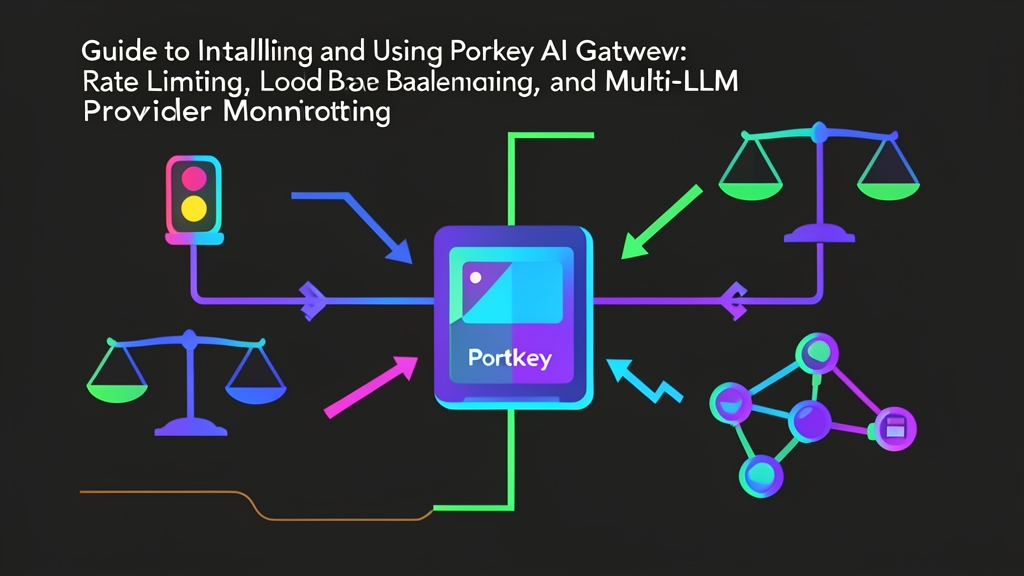
Quick start: Deploy Portkey AI Gateway in 5 minutes
No need for cumbersome cloud sign-ups. You can self-host the open-source version of Portkey Gateway locally or on your own server using Docker.
Pull and run the Portkey Gateway container on port 8787:
# Run open-source Portkey Gateway using Docker
docker run -d -p 8787:8787 --name portkey-gateway portkeyai/gateway:latest
Once the container is running, Gateway functions as an intermediary proxy. All requests sent to OpenAI, Anthropic, or Gemini will now route through http://localhost:8787/v1.
Install the Python SDK:
pip install portkey-ai openai
Send your first request through Gateway using the familiar OpenAI SDK:
from openai import OpenAI

# Point OpenAI client to the local Portkey Gateway
client = OpenAI(
    api_key="sk-your-openai-api-key",
    base_url="http://localhost:8787/v1",
    default_headers={
        "x-portkey-provider": "openai"
    }
)

response = client.chat.completions.create(
    model="gpt-4o-mini",
    messages=[{"role": "user", "content": "Briefly explain: What is an AI Gateway?"}]
)

print(response.choices[0].message.content)
Just update base_url and add the x-portkey-provider header. That’s it! Your entire backend processing logic stays 100% unchanged.
Why shouldn’t production systems call LLM APIs directly?
Calling OpenAI directly from backend code is like handing out the corporate credit card to every employee with zero limits. When the provider experiences downtime (500 or 503 errors), your entire application freezes. Even worse, if someone accidentally writes an infinite while True loop, your API bill can skyrocket to thousands of dollars overnight.
Portkey AI Gateway acts as a control barrier between your application and AI models, decisively solving four major operational headaches:
1. Load Balancing and Fallbacks
Never put all your eggs in one basket. You can seamlessly split traffic: 70% of requests to OpenAI, 30% to Anthropic. When OpenAI suddenly throws a 429 Too Many Requests error, Gateway automatically routes that request to Claude 3.5 Sonnet or Gemini 1.5 Flash. The entire failover happens in milliseconds without the end user noticing any interruption.
2. Budget Controls and Rate Limiting
You can easily enforce caps per department or feature. For example, limit the Marketing team’s internal bot to 60 requests/minute and a budget cap of $15/day. Exceed the threshold? Gateway immediately drops the request right at the door. Your company credit card stays safe.
3. Lower Latency and Costs with Caching
Users frequently ask identical or nearly identical questions. Portkey supports both Simple Cache (exact string matching) and Semantic Cache (contextual vector similarity search). When Gateway detects a semantically duplicate query that has already been answered, it fetches the result directly from Redis. Latency drops from 2 seconds to under 20ms—and you don’t spend a single cent on tokens.
4. Centralized Observability
Every request is comprehensively logged: user identity, model used, latency, and input/output token counts. You no longer need to keep three browser tabs open across OpenAI, Anthropic, and Google Cloud dashboards just to allocate costs across projects.
Advanced Configuration: Fallback, Load Balancing, and Virtual Keys
Portkey’s greatest strength lies in its Config JSON architecture. All complex routing logic is decoupled into configuration files, requiring zero changes to your core business code.
Automated Failure Recovery Strategies
The following configuration prioritizes calling GPT-4o. If OpenAI returns a 429 or 5xx status code, the system automatically fails over to Claude 3.5 Sonnet:
import json
from portkey_ai import Portkey

gateway_config = {
    "strategy": {
        "mode": "fallback"
    },
    "targets": [
        {
            "provider": "openai",
            "api_key": "sk-openai-key",
            "override_params": {"model": "gpt-4o"}
        },
        {
            "provider": "anthropic",
            "api_key": "sk-ant-claude-key",
            "override_params": {"model": "claude-3-5-sonnet-20241022"}
        }
    ]
}

client = Portkey(
    base_url="http://localhost:8787/v1",
    config=json.dumps(gateway_config)
)

response = client.chat.completions.create(
    messages=[{"role": "user", "content": "Summarize the Q3 financial report."}]
)
print(response.choices[0].message.content)
Weighted Load Balancing
When you have two OpenAI accounts across different organizations, or want to distribute traffic between OpenAI and Azure OpenAI to maximize your TPM (Tokens Per Minute) quotas:
{
  "strategy": {
    "mode": "loadbalance"
  },
  "targets": [
    {
      "provider": "openai",
      "api_key": "sk-account-tier-4",
      "weight": 0.7
    },
    {
      "provider": "azure-openai",
      "api_key": "azure-api-key",
      "weight": 0.3
    }
  ]
}
This configuration automatically routes 70% of requests to your primary account and 30% to Azure. Both quotas are fully utilized without bottlenecking either account.
Battle-Tested Tips for Running Portkey in Production
1. Pair OpenAI with Azure OpenAI to Eliminate 429 Errors
During peak hours, lower-tier OpenAI accounts frequently hit rate limits. In practice, configure OpenAI as your primary target, set Azure OpenAI in a nearby region (such as Singapore or Japan East) as fallback, and enable 3 retries with exponential backoff. This exact setup helped reduce error rates delivered to end-users from nearly 4% down to just 0.02% in our production systems.
2. Manage Access via Virtual Keys
Never hand raw root OpenAI API keys to developers to embed in projects—especially when working with outsourced teams. Portkey’s Virtual Keys offer a vastly superior alternative: you issue an alias string instead. If someone leaves the team or a key is accidentally committed to Git, revoking the Virtual Key on Gateway’s dashboard takes under 3 seconds without disrupting any production microservices.
3. Save 30-40% on Costs with Semantic Caching
For applications like customer support bots or internal document retrieval agents, 35% to 40% of queries convey similar intent despite varying phrasing. Connect Portkey to Redis or Qdrant and enable Semantic Cache with a similarity threshold around 0.85-0.9. The payoff: token bills cut nearly in half and response times up to 5x faster.