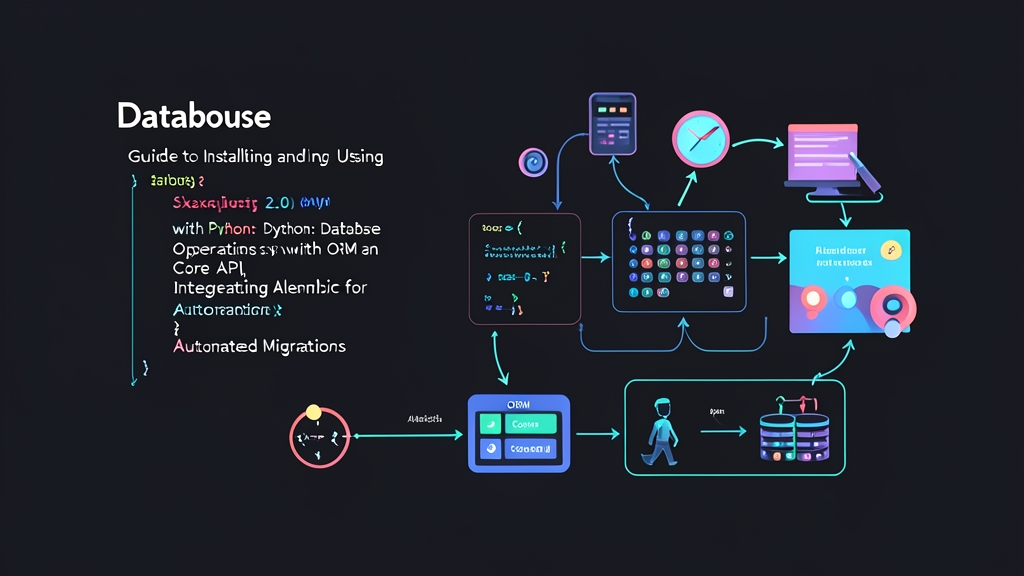
The Problem: The Pain of Raw SQL and Manual DB Tweaks
When starting out with Python, many developers get used to string concatenating raw SQL queries like f"SELECT * FROM users WHERE id = {user_id}" using sqlite3 or psycopg2. This approach is undeniably quick when writing simple scripts of a few dozen lines. But as soon as your project grows to 50 or 100 API endpoints, trouble quickly follows.
Scattered query code across multiple files makes refactoring a nightmare. You risk introducing SQL Injection vulnerabilities just by forgetting to validate a single input. Worse yet, data types between your database and Python frequently fall out of sync.
On top of that, managing database schemas is where the real headaches begin. Imagine a production server with 100,000 active users. You have to SSH directly into the server and manually type ALTER TABLE commands. The risk is immense. Just a single column mismatch between your local dev machine and the staging server can instantly crash the entire application during a midnight deployment.
The root of the issue is the lack of a proper Data Layer Abstraction and an independent database versioning tool. That is why the combination of SQLAlchemy 2.0 and Alembic has become the de facto standard for backend Python projects today.
Four Core Concepts You Need to Know
To avoid getting overwhelmed by extensive documentation, you only need to master these four foundational building blocks:
- Engine & Connection Pool: The direct bridge to your database. It manages the connection pool (keeping 5 to 10 reusable connections open by default), translates dialects for specific database systems (PostgreSQL, MySQL, SQLite), and delivers queries to the underlying database driver.
- SQLAlchemy Core: The SQL Expression Language query layer. Core works directly with functions like
select()orinsert()without wrapping them in model classes. When you need to run batch jobs processing 500,000 rows or execute heavy analytical queries, Core delivers significantly higher performance than the ORM. - SQLAlchemy ORM: The layer that maps database tables to Python classes. Version 2.0 standardizes this with the new
Mappedandmapped_columnsyntax. As a result, IDE autocompletion works smoothly, and type-checking tools likemypycan catch type errors right as you type. - Alembic: The lightweight schema migration tool developed by the creator of SQLAlchemy. Alembic automatically compares the state of your models in code with the actual database schema. It then generates migration files with paired
upgrade()anddowngrade()functions to allow safe rollbacks whenever issues arise.
Step-by-Step Hands-On Guide
Step 1: Set Up the Environment and Install Dependencies
Start with a clean virtual environment, then install SQLAlchemy 2.0 along with the PostgreSQL driver (psycopg2-binary) and Alembic:
# Create and activate venv
python3 -m venv venv
source venv/bin/activate

# Install the latest 2.0 release
pip install "sqlalchemy>=2.0" psycopg2-binary alembic
Step 2: Configure the Engine, Base Model, and Data Models
SQLAlchemy 2.0 completely does away with the verbose legacy 1.4 Column(Integer, ...) syntax in favor of PEP 484-compliant Type Annotations. Create a file named database.py:
from datetime import datetime
from typing import Optional, List
from sqlalchemy import create_engine, String, ForeignKey, func
from sqlalchemy.orm import DeclarativeBase, Mapped, mapped_column, relationship, sessionmaker

# Connect to the local PostgreSQL database
DATABASE_URL = "postgresql+psycopg2://postgres:secret@localhost:5432/itfromzero_db"
engine = create_engine(DATABASE_URL, echo=False, pool_size=10, max_overflow=20)

SessionLocal = sessionmaker(autocommit=False, autoflush=False, bind=engine)

# Standard Base class using 2.0 syntax
class Base(DeclarativeBase):
    pass

class User(Base):
    __tablename__ = "users"

    id: Mapped[int] = mapped_column(primary_key=True, autoincrement=True)
    username: Mapped[str] = mapped_column(String(50), unique=True, index=True, nullable=False)
    email: Mapped[str] = mapped_column(String(100), unique=True, nullable=False)
    created_at: Mapped[datetime] = mapped_column(server_default=func.now())

    # One-to-Many relationship with the Post table
    posts: Mapped[List["Post"]] = relationship(back_populates="author", cascade="all, delete-orphan")

    def __repr__(self) -> str:
        return f"<User(id={self.id}, username='{self.username}')>"

class Post(Base):
    __tablename__ = "posts"

    id: Mapped[int] = mapped_column(primary_key=True, autoincrement=True)
    title: Mapped[str] = mapped_column(String(200), nullable=False)
    content: Mapped[str] = mapped_column(nullable=False)
    user_id: Mapped[int] = mapped_column(ForeignKey("users.id", ondelete="CASCADE"))

    author: Mapped["User"] = relationship(back_populates="posts")

    def __repr__(self) -> str:
        return f"<Post(id={self.id}, title='{self.title}')>"
Step 3: Initialize and Configure Alembic to Automate Migrations
Many tutorials suggest calling Base.metadata.create_all(engine). Avoid doing this in real-world projects! This command only creates new tables and cannot track or alter columns down the road. Let Alembic handle this instead:
alembic init alembicThis command generates an alembic.ini file and an alembic/ directory. Open alembic/env.py and modify the following two sections so Alembic recognizes your models:
# alembic/env.py
from logging.config import fileConfig
from sqlalchemy import engine_from_config, pool
from alembic import context

# 1. Import Base metadata from your project
from database import Base, DATABASE_URL

config = context.config

# Override connection URL from database.py instead of hardcoding in alembic.ini
config.set_main_option("sqlalchemy.url", DATABASE_URL)

if config.config_file_name is not None:
    fileConfig(config.config_file_name)

# 2. Assign target_metadata so autogenerate can detect models
target_metadata = Base.metadata

# (Keep default run_migrations_offline and run_migrations_online functions unchanged)
Next, generate your first migration file and apply the schema to the database:
# Scan models and automatically generate migration code
alembic revision --autogenerate -m "create_users_and_posts_tables"

# Apply changes to the database
alembic upgrade head
A critical real-world takeaway: never trust the --autogenerate flag blindly. In a 100GB production database I once managed, a developer renamed the column fullname to full_name. Alembic did not recognize this as a column rename. Instead, it generated a DROP COLUMN fullname followed by an ADD COLUMN full_name. Running that directly on production would have permanently wiped out all user names! Always inspect the generated file in alembic/versions/ before running the upgrade command.
Step 4: Standard SQLAlchemy 2.0 CRUD Operations
The biggest shift in 2.0 is the deprecation and removal of the legacy session.query(User) syntax. Today, both ORM and Core share the unified, consistent syntax session.execute(select(...)) or session.scalars(...). Create a file named crud_example.py to test it out:
from sqlalchemy import select, update, delete
from database import SessionLocal, User, Post

def run_orm_operations():
    # Manage session with a context manager to automatically release connections
    with SessionLocal() as session:
        # 1. CREATE: Add new records with relationships
        new_user = User(username="thanhloc", email="[email protected]")
        post1 = Post(title="Mastering SQLAlchemy 2.0", content="ORM guide content...", author=new_user)
        post2 = Post(title="Managing Migrations with Alembic", content="How to autogenerate schemas...", author=new_user)

        session.add(new_user)
        session.commit()
        print(f"Created User ID: {new_user.id}")

        # 2. READ: Use session.scalars() for ORM models
        stmt = select(User).where(User.username == "thanhloc")
        user = session.scalars(stmt).first()
        if user:
            print(f"Found user: {user.username} with {len(user.posts)} posts")

        # 3. UPDATE: Update directly on the object
        if user:
            user.email = "[email protected]"
            session.commit()
            print("Email updated successfully!")

        # 4. READ with Core API: Returns Row/tuple directly, bypassing ORM
        core_stmt = select(User.id, User.username).where(User.id >= 1)
        rows = session.execute(core_stmt).all()
        for row in rows:
            print(f"[Core API Result] ID: {row.id}, Username: {row.username}")

        # 5. DELETE: Remove data
        delete_stmt = delete(Post).where(Post.id == post2.id)
        session.execute(delete_stmt)
        session.commit()
        print(f"Deleted post ID {post2.id}")

if __name__ == "__main__":
    run_orm_operations()
Summary and Safety Checklist
Transitioning from raw SQL to SQLAlchemy 2.0 and Alembic might take a little time to get used to the new syntax. However, your project’s codebase will become substantially cleaner, safer, and much easier to scale. Before deploying to production, keep these three golden rules in mind:
- Review migration files thoroughly: Always inspect every line of code inside
alembic/versions/before runningupgrade headto prevent accidental data loss. - Prefer
session.scalars(): When executing ORM queries to fetch entities, usescalars()instead ofsession.execute()to receive model objects directly without unpacking tuples. - Wrap sessions in a Context Manager: Always use the pattern
with SessionLocal() as session:. This ensures sessions are properly closed even if errors occur, preventing connection pool exhaustion.