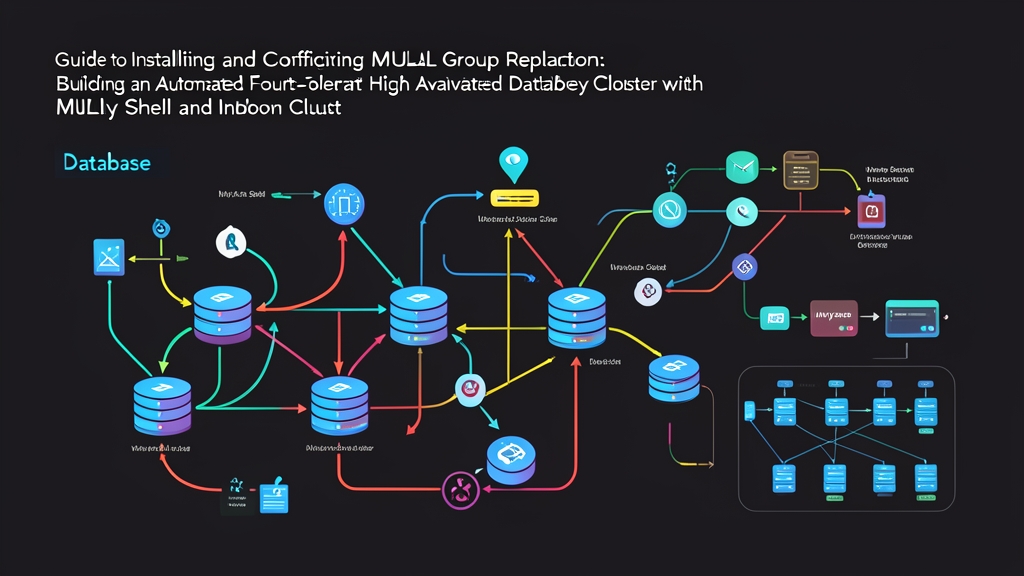
The 2:00 AM Nightmare: When the Database Crashes and PagerDuty Won’t Stop Blaring
It’s 2:00 AM, and PagerDuty is screaming off the hook. The Primary database server handling order processing has suddenly crashed due to a hardware failure. The 500 error rate on your Grafana dashboard spikes straight up. Bleary-eyed, you stumble out of bed, flip open your laptop, and frantically SSH into the replica. The pressure mounts: you need to check binlog coordinates, execute commands to promote the secondary node to primary, and scramble to update database IP addresses across dozens of microservices.
That entire manual drill eats up 45 minutes of precious downtime. The fallout: over 1,200 abandoned shopping carts, customer support inundated with complaints, and the entire team burning their morning writing post-mortems for leadership. The root issue isn’t on-call competency. The real flaw is leaving system survivability to frantic, manual typing in the dead of night.
Why Traditional Replication Is No Longer Safe Enough
The classic Source–Replica (Master–Slave) architecture—often deployed alongside solutions for MySQL read/write splitting with ProxySQL—once served smaller systems well. But under high-load production workloads, three critical flaws quickly become apparent:
- Asynchronous Synchronization: The primary node confirms success to the client as soon as it commits locally, without knowing whether replicas have received the event. If the primary abruptly dies before pushing binlogs over the wire, those final committed transactions vanish forever.
- No Automated Failover: Traditional MySQL engines lack built-in mechanisms to detect dead nodes and elect successors. Promotion decisions rely entirely on human intervention or brittle external scripts.
- The Split-Brain Disaster: With custom failover scripts, a brief 5–10 second network hiccup can trigger a false positive, causing the script to mistakenly promote a replica. Once connectivity recovers, both nodes accept writes using identical auto-increment ID ranges, wreaking catastrophic, irrecoverable data corruption.
Comparing MySQL High Availability Solutions
Infrastructure engineers typically weigh three primary alternatives to eliminate Single Points of Failure (SPOFs):
- Master-Slave with Orchestrator and Keepalived: GitHub Orchestrator manages topologies brilliantly. However, you must maintain a dedicated Raft cluster for Orchestrator, configure Virtual IPs, and maintain multiple auxiliary services.
- Percona XtraDB Cluster / Galera Cluster: This approach uses multi-master write certification. While data replication is strictly guaranteed, Galera hooks deeply into InnoDB’s transaction layer. Under heavy concurrent writes to overlapping data sets, rollback rates from certification failures skyrocket.
- MySQL InnoDB Cluster (Group Replication + MySQL Shell): Oracle’s native, tightly integrated high-availability suite, introduced in MySQL 5.7 and heavily optimized in MySQL 8.0. It leverages the Paxos consensus protocol (via the XCom engine) to commit transactions across a quorum of nodes. Its biggest advantage is electing a new Primary in just 2–3 seconds without third-party tooling.
Standard Architecture of a MySQL InnoDB Cluster
Instead of patching together disjointed config files, InnoDB Cluster consolidates high availability into three cohesive components:
- Group Replication: The cluster’s core engine, ensuring safe distributed replication based on majority quorum consensus.
- MySQL Shell (AdminAPI): The next-generation CLI supporting Python and JavaScript, allowing you to provision, configure, and join nodes using concise API calls.
- MySQL Router: A lightweight proxy running alongside application servers that tracks cluster topology dynamically, routing write queries to port 6446 (Primary) and read queries to port 6447 (Replicas).
Step 1: Infrastructure Preparation
To achieve quorum and survive a single-node failure, you need a minimum of three physical nodes or independent VPS instances. Avoid placing them on the same virtualization host:
- Node 1:
192.168.1.11(mysql-node1) - Node 2:
192.168.1.12(mysql-node2) - Node 3:
192.168.1.13(mysql-node3)
Step 2: Standardizing my.cnf Configuration Across All Nodes
Open /etc/mysql/mysql.conf.d/mysqld.cnf on each server and add the required parameters to enable GTID and write set tracking:
[mysqld]
server_id = 1 # Change to 2 and 3 on corresponding servers
gtid_mode = ON
enforce_gtid_consistency = ON
binlog_format = ROW
binlog_checksum = NONE

# Required for Group Replication
transaction_write_set_extraction = XXHASH64
loose-group_replication_bootstrap_group = OFF
loose-group_replication_start_on_boot = OFF

# Bind listening address
bind-address = 0.0.0.0
report_host = 192.168.1.11 # Set the respective node's IP
Save the file and restart the MySQL service on all three servers:
sudo systemctl restart mysql
Step 3: Using MySQL Shell for Automated Node Tuning
The standout feature of MySQL Shell is its automated configuration validation. Install MySQL Shell on Node 1:
sudo apt update && sudo apt install -y mysql-shell
Open MySQL Shell and connect to the local instance:
mysqlsh [email protected]:3306
Switch to JavaScript mode using the \js command, then run the automated validation and remediation functions:
// Check prerequisites on Node 1
dba.checkInstanceConfiguration('[email protected]:3306');

// Automatically fix missing system variables and create cluster admin user
dba.configureInstance('[email protected]:3306');
Repeat dba.configureInstance() for both Node 2 (192.168.1.12) and Node 3 (192.168.1.13). There’s no need to memorize dozens of arcane variables—MySQL Shell handles everything automatically.
Step 4: Initializing the Cluster on Node 1
Once all three nodes pass validation, initialize the cluster in Single-Primary mode (one read/write node, two read-only nodes to avoid write conflicts):
// Connect session to Node 1
shell.connect('[email protected]:3306');

// Create a cluster named prodCluster
var cluster = dba.createCluster('prodCluster');
Step 5: Joining Node 2 and Node 3 to the Cluster
From the active MySQL Shell session, add the remaining two instances:
// Add Node 2
cluster.addInstance('[email protected]:3306', { recoveryMethod: 'auto' });

// Add Node 3
cluster.addInstance('[email protected]:3306', { recoveryMethod: 'auto' });
The recoveryMethod: 'auto' option is a game-changer in MySQL 8. It invokes the MySQL Clone Plugin to stream raw physical data files directly from the Primary to the new node. A 50 GB database can sync in under three minutes without needing a manual SQL dump.
Step 6: Verifying Cluster Health
To verify that all three nodes are healthy and communicating properly, run:
cluster.status();
The console will output a detailed JSON structure. Keep an eye out for these key indicators:
"status": "OK",
"topology": {
    "192.168.1.11:3306": { "mode": "R/W", "role": "HA", "status": "ONLINE" },
    "192.168.1.12:3306": { "mode": "R/O", "role": "HA", "status": "ONLINE" },
    "192.168.1.13:3306": { "mode": "R/O", "role": "HA", "status": "ONLINE" }
}
Once every node status shows ONLINE, the cluster is ready for production traffic.
Step 7: Simulating a Real Failure to Test Failover
Never ship an HA cluster to production without testing node termination. Simulate a failure by stopping the MySQL service on Primary (Node 1):
# Run directly in Node 1's terminal
sudo systemctl stop mysql
Immediately connect via MySQL Shell to Node 2 to inspect how the cluster responds:
mysqlsh [email protected]:3306
var cluster = dba.getCluster('prodCluster');
cluster.status();
Within 2 to 3 seconds, the remaining nodes detect the missing heartbeat from Node 1. They conduct a quorum vote and promote Node 2 to the new R/W (PRIMARY). Node 1 is automatically flagged as (MISSING). The entire transition happens seamlessly without transaction deadlocks or hanging connections.
Production Best Practices and Field Experience
- Every table must have a Primary Key: Group Replication relies on primary keys for write certification conflict detection. Tables without primary keys will reject incoming
INSERTandUPDATEstatements. - Keep network latency under 5ms: Because every write requires round-trip confirmation from a quorum of nodes, inter-node latency directly degrades application write performance. Keep all nodes within the same Virtual Private Cloud (VPC) or local network.
- Always deploy MySQL Router: Never hardcode individual node IPs in application backends. Deploy MySQL Router alongside application services to dynamically route traffic to whichever node is currently promoted to Primary.