The Nightmare of Customer “Data Leakage”
If you are building a SaaS (Software as a Service) application, you’ve likely worried about Company A’s data leaking to Company B. The traditional approach is to add a WHERE tenant_id = 'company-A' clause to every SELECT, UPDATE, and DELETE statement.
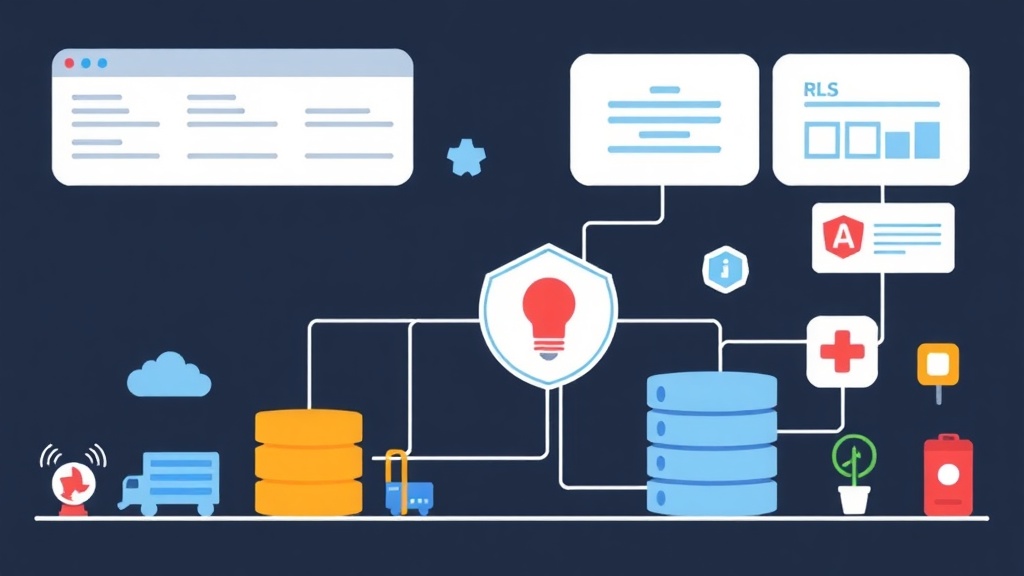
However, real-world implementation is rarely that simple. If a developer forgets to include the WHERE clause in a new API, all customer data could be exposed. PostgreSQL‘s Row Level Security (RLS) acts as a final “safety latch” right at the database layer. It makes security an intrinsic part of the system, keeping your application code cleaner and much safer.
Quick Start: Implementing RLS in 5 Minutes
Let’s set up a realistic scenario: You have an orders table and want to ensure each employee only sees the orders they manage.
Step 1: Initialize the Table and Sample Data
-- Create separate users
CREATE USER dev_tung WITH PASSWORD 'pass123';
CREATE USER dev_hoa WITH PASSWORD 'pass123';

-- Create the orders table
CREATE TABLE orders (
    id serial PRIMARY KEY,
    item_name text,
    owner name DEFAULT current_user
);

-- Grant basic permissions
GRANT SELECT, INSERT, UPDATE, DELETE ON orders TO dev_tung, dev_hoa;

-- Insert test data
INSERT INTO orders (item_name, owner) VALUES ('Macbook M3', 'dev_tung');
INSERT INTO orders (item_name, owner) VALUES ('Dell XPS', 'dev_hoa');
Step 2: Enable RLS and Define Policies
By default, Postgres allows any user with table access to see all data. We need to enable row-level security and set the rules.
-- Enable RLS feature
ALTER TABLE orders ENABLE ROW LEVEL SECURITY;

-- Create policy: Only access rows where owner matches the connected user
CREATE POLICY order_ownership_policy ON orders
USING (owner = current_user);
Step 3: Verifying the Results
When you log in as dev_tung and run SELECT * FROM orders;, the result will only show the ‘Macbook M3’ row. Postgres has automatically “injected” the filter into your query without you having to change a single line of application code.
How Does RLS Work Under the Hood?
Many worry that RLS will slow down the system. In reality, Postgres handles RLS by merging the Policy expression into the WHERE clause of the original SQL query. It acts as an automatic and transparent filter for the user.
Two Core Components of a Policy
- USING: Controls existing data rows (SELECT, DELETE, UPDATE). If the condition is false, the row is simply ignored or cannot be deleted/updated.
- WITH CHECK: Controls new data being introduced (INSERT, UPDATE). For example: Preventing
dev_tungfrom creating an order while assigning theownerto someone else.
CREATE POLICY protect_inserts ON orders
FOR INSERT
WITH CHECK (owner = current_user);
RLS Solutions for Real-World SaaS Applications
In a production environment, applications often use a Connection Pool (like PgBouncer) and connect to the DB using a single user (e.g., app_user). In this case, current_user is no longer effective. The optimal solution is using Session Variables.
Implementing with Session Variables
Modify the Policy to read values from the session configuration:
CREATE POLICY saas_tenant_policy ON orders
USING (tenant_id = current_setting('app.current_tenant')::int);
In your application code, immediately after borrowing a connection from the pool, you need to execute a variable assignment command:
-- Suppose the current customer ID is 101
SET app.current_tenant = 101;
SELECT * FROM orders; -- Retrieve only data for customer 101
Note: Always ensure this variable is cleared or reset after each request to avoid data leakage between different sessions.
Real-World Experience: Avoiding Performance Pitfalls
After applying RLS to a warehouse management system with millions of records, I’ve learned three valuable lessons:
1. Indexing is Vital
RLS essentially adds a WHERE clause. If the tenant_id column is not indexed, Postgres will have to perform a Full Table Scan for every query. In one past project, adding an index to this column reduced response times from 800ms to under 10ms.
2. Beware of Superuser Privileges
By default, Postgres bypasses RLS for superuser accounts or the table owner. If you find that queries still return all data despite enabling RLS, double-check the user’s permissions. To force RLS application even for the owner, use:
ALTER TABLE orders FORCE ROW LEVEL SECURITY;3. Avoid Complex Subqueries in Policies
Avoid writing policies like USING (tenant_id IN (SELECT id FROM user_permissions ...)). Postgres may execute this subquery repeatedly for every single row. With a million-row table, performance will plummet. Instead, use information available in the session or efficient Join techniques.
Conclusion
RLS is not a silver bullet for every problem, but it is a powerful “Defense in Depth” layer. It completely decouples security logic from application code. For high-security systems, adopting RLS early will help you avoid serious data leaks that could severely damage your reputation.