When Overzealous AI Wreaks Havoc on Your Project
I just spent a week “grinding” through Claude Code – the new CLI tool from Anthropic. I must admit, it understands context incredibly fast. However, if you give it total freedom, some hilarious yet frustrating situations will arise immediately.
A common scenario: You ask Claude to fix a logic bug in auth_service.py. It finishes in 5 seconds. But right after, you realize the entire file is mangled because the AI didn’t follow your team’s Ruff or Black configurations. Once, Claude even added a library to requirements.txt but forgot to pip install. The result? Tiny bugs everywhere when running. Sometimes, the AI fixes the code and confidently reports that tests passed, even though it never updated the mock data files.
Using AI to save time only to end up cleaning up formatting messes or environment errors is completely counterproductive.
Why Does Claude Code Often “Forget” Your Standards?
It’s not that the AI isn’t smart. The issue lies in the Tool Calls mechanism. Every action like reading a file, writing a file, or running a shell command is treated as an independent task by Claude. It doesn’t inherently know that in your project, editing a .js file necessitates running ESLint.
When executing the write_to_file command, Claude simply overwrites the content. It lacks the ability to automatically link individual operations into a specific team’s workflow. This gap is exactly why your codebase can slowly become inconsistent.
Using Hooks to Discipline Your AI Workflow
To fix this, the simplest way is to ask Claude to reformat the code after every edit. But this is extremely token-heavy and time-consuming.
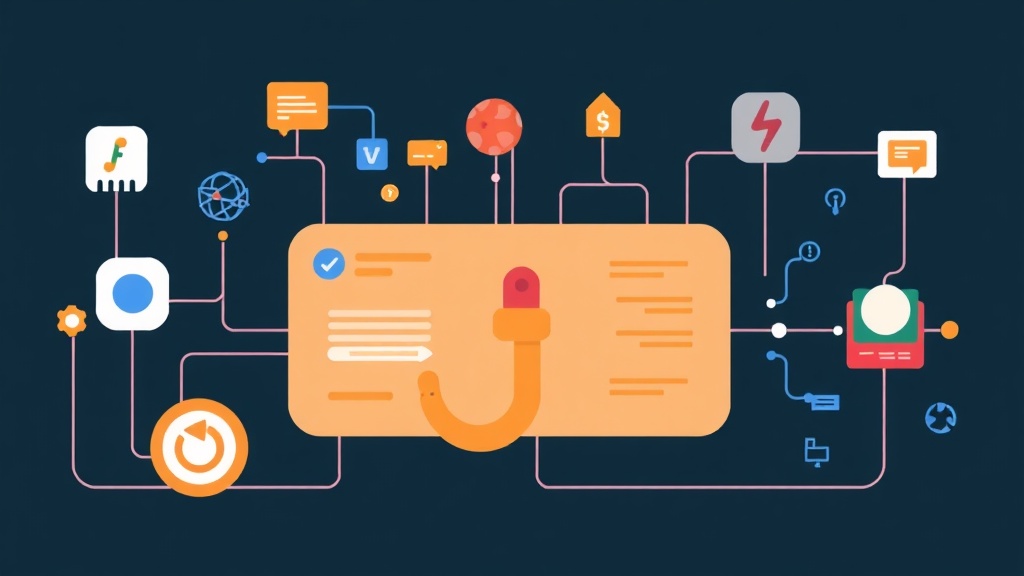
Another option is adding instructions to CLAUDE.md. This works reasonably well, but sometimes the AI still ignores it if the list of requirements gets too long. The ultimate solution is using Hooks. This mechanism allows you to set up scripts that run automatically at two key moments:
- Pre-tool-call: Strict checks immediately before the AI can modify the codebase.
- Post-tool-call: Cleanup, formatting, and re-verification immediately after the AI completes an operation.
Setting Up the First Guardrails
You don’t need to look for complex settings menus. Start by identifying the events that need close monitoring. For example, every time a Python file changes, the system should automatically call Ruff.
You can organize these scripts in the .claudecode/hooks/ directory. Separating them makes it easier to manage and update your workflow without cluttering the main configuration file.
# Clean automation management structure
.claudecode/
└── hooks/
    ├── pre-save-check.sh
    └── post-save-format.sh
3 Real-World Scenarios to Save 15 Minutes Every Hour of Coding
At itfromzero, I’ve implemented the following hooks and reduced AI-induced silly mistakes by 80%:
1. Automatically Enforcing Formatting Standards
This is an essential step. This hook ensures the AI always follows rules regarding single vs. double quotes, indentation size, and more.
# .claudecode/hooks/post-save-format.sh
#!/bin/bash
file_path=$1
if [[ $file_path == *.py ]]; then
    ruff format $file_path && ruff check --fix $file_path
elif [[ $file_path == *.ts ]]; then
    npx stylelint --fix $file_path
fi
2. Security Guardrails (Security Hook)
AI can sometimes get so caught up in fixing bugs that it accidentally leaks an API key in a log file or misconfigures a .env file. A Pre-tool-call script can prevent sensitive data leaks immediately.
# Check for secrets before writing to file
grep -E "password|api_key|token" $TEMP_FILE && echo "Danger!" && exit 1 || exit 0
3. Automatic Environment Synchronization
If Claude modifies package.json, the script will automatically run npm install. You no longer have to worry about code that’s correct but fails to run because of missing local dependencies.
# Automatic processing with Python
def post_tool_hook(tool_name, args):
    if "package.json" in args.get("path", ""):
        print("New dependency detected. Installing...")
        os.system("npm install")
Implementation via CLAUDE.md and Shell Scripts
Since Claude Code is evolving rapidly, the most sustainable approach is to create Standard Operating Procedures (SOPs). Force the AI to use wrapper scripts instead of calling tools directly.
Add this line to your system instructions:
Always use the `scripts/safe_write.sh` command instead of the `write_to_file` tool.
This script will:
1. Backup the old file.
2. Write the new content.
3. Run linter/tests.
If any step fails, the system will automatically revert.
This approach ensures all AI changes are “atomic”. If it’s not 100% perfect, it won’t be allowed into the codebase.
Conclusion: Let Automation Be the Gatekeeper
Using Claude Code without Hooks is like hiring a skilled builder who doesn’t use a measuring tape. They build fast, but the walls will occasionally be off by a few inches, ruining the overall aesthetics.
By setting up automatic guardrails, you are creating a strict disciplinary framework for the AI. This frees your mind from trivial details, allowing you to focus entirely on system architecture.
Spend 20 minutes today setting up a basic set of Hooks. Trust me, it will save you from late-night “rescue missions” caused by AI formatting errors!