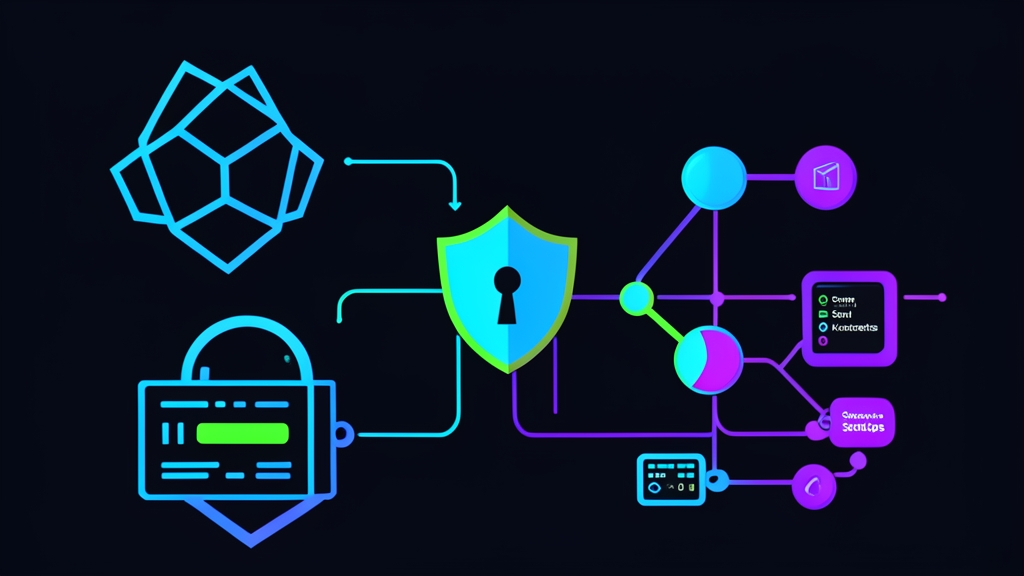
Quick start: Encrypt your first secret in 5 minutes
Let’s dive right in. You can encrypt and deploy a secret to your cluster right now in 4 simple steps.
Step 1: Install the Sealed Secrets Controller
The controller runs in the background within the cluster to handle decryption. Deploy version v0.24.5 using the following two commands:
kubectl apply -f https://github.com/bitnami-labs/sealed-secrets/releases/download/v0.24.5/controller.yaml
kubectl rollout status deployment sealed-secrets-controller -n kube-system
Wait about 10 to 20 seconds. Once the Pod switches to the Running state, the controller will automatically generate its first 4096-bit RSA key pair.
Step 2: Install the kubeseal CLI locally
kubeseal is the client-side tool. Its sole purpose is to encrypt secrets before you commit your code.
For Linux:
wget https://github.com/bitnami-labs/sealed-secrets/releases/download/v0.24.5/kubeseal-0.24.5-linux-amd64.tar.gz
tar -xvzf kubeseal-0.24.5-linux-amd64.tar.gz
sudo install -m 755 kubeseal /usr/local/bin/kubeseal
For macOS, simply run brew install kubeseal.
Step 3: Create and seal the secret
Suppose you need to create PostgreSQL credentials consisting of a username and a 16-character password:
# 1. Generate a raw secret manifest in dry-run mode
kubectl create secret generic db-credentials \
  --from-literal=username=postgres \
  --from-literal=password='kX9#mP2$vL8@qR5!' \
  --dry-run=client -o yaml > secret-raw.yaml

# 2. Encrypt into a SealedSecret using kubeseal
kubeseal -f secret-raw.yaml -o yaml > sealedsecret.yaml

# 3. Immediately delete the raw file to prevent accidental commits
rm -f secret-raw.yaml
Step 4: Apply to the cluster and verify
Apply the encrypted file to the cluster:
kubectl apply -f sealedsecret.yaml

# Check the regular secret generated by the controller
kubectl get secret db-credentials -o jsonpath='{.data.password}' | base64 -d
The decoded password matches the original value perfectly. The sealedsecret.yaml file is now completely safe to push to GitHub or GitLab.
The Core Problem: How Insecure Are Default Kubernetes Secrets?
Many Kubernetes newcomers mistakenly assume that a Secret is inherently secure. In reality, it is not.
Data in a Kubernetes Secret is merely Base64-encoded. Base64 is simply an encoding scheme to convert binary data into readable ASCII characters; it provides no encryption or security whatsoever. Anyone who views the manifest can decode the Base64 string back to plaintext in a matter of seconds.
The GitOps Dilemma
Implementing GitOps requires all manifests to reside in a Git repository. Git serves as the Single Source of Truth for the entire system’s state.
This introduces a major conflict: committing plaintext secrets to Git poses a huge security risk, yet configuring secrets manually outside the cluster breaks GitOps consistency. Many teams opt to set up HashiCorp Vault. While Vault is powerful, its resource overhead and operational complexity are often excessive for small to medium-sized setups.
How Sealed Secrets Solves This
Bitnami Sealed Secrets uses asymmetric cryptography with a clear separation of concerns:
- Public Key: Automatically generated by the controller and made publicly available to all developers. You fetch this key locally to seal secrets into a
SealedSecretcustom resource. This key is one-way only—it cannot be used for decryption. - Private Key: Safely stored inside the
kube-systemnamespace. Only the controller can access it. When you push theSealedSecretmanifest to Git, the controller detects it, decrypts it automatically, and creates the original Kubernetes Secret for your Pods to consume.
Even if an attacker gains full access to your Git repository, they will only see meaningless ciphertext strings.
Advanced Operations: Controlling Scopes and Managing Private Keys
1. Access Control via Scopes
By default, kubeseal uses the strict scope. This tightly binds the secret to both its original resource name and namespace. If someone attempts to change the namespace in the YAML manifest, the controller will immediately refuse to decrypt it.
Depending on your deployment architecture, you can choose one of three scopes:
- Strict (Default): Requires both the secret name and namespace to match exactly. Best suited for production environments.
- Namespace-wide: Allows renaming the secret as long as it is deployed within the same namespace:
kubeseal --scope namespace-wide -f secret-raw.yaml -o yaml > sealedsecret.yaml - Cluster-wide: Allows decryption across any namespace in the cluster. Ideal for shared secrets such as Docker Registry credentials:
kubeseal --scope cluster-wide -f secret-raw.yaml -o yaml > sealedsecret.yaml
2. Disaster Recovery: Never Lose Your Private Key
Losing the private key means losing all your secrets. If the entire cluster crashes and has to be rebuilt from scratch, you won’t be able to decrypt the hundreds of SealedSecret files stored in Git.
Always back up the controller’s key immediately after installation:
kubectl get secret -n kube-system \
  -l sealedsecrets.bitnami.com/sealed-secrets-key \
  -o yaml > master-sealed-secrets-key.yaml
Store this backup file in your team’s password manager (such as 1Password or Bitwarden Vault). In a disaster recovery scenario, simply apply this secret first before reinstalling the controller:
kubectl apply -f master-sealed-secrets-key.yaml
kubectl apply -f https://github.com/bitnami-labs/sealed-secrets/releases/download/v0.24.5/controller.yaml
The controller will recognize the restored key and decrypt all manifests from Git as usual, without requiring you to re-encrypt a single file.
3 Practical Tips for Running in Production
- Manage Key Rotation: By default, the controller automatically generates a new key pair every 30 days. Existing secrets can still be decrypted using the retained historical keys. However, with each rotation, you should rerun your backup script to ensure you archive all active private keys.
- Prevent Secret Leaks with Gitleaks: Integrate
gitleaksortrufflehoginto your pre-commit hooks. This prevents developers from accidentally committing unencrypted files likesecret-raw.yamlto remote repositories. - Integrate with ArgoCD or FluxCD: A
SealedSecretis a standard Kubernetes CRD. ArgoCD recognizes and syncs it natively without extra plugins. You only need to configure ArgoCD to ignore standard Secrets to avoid resource ownership conflicts with the Sealed Secrets controller.