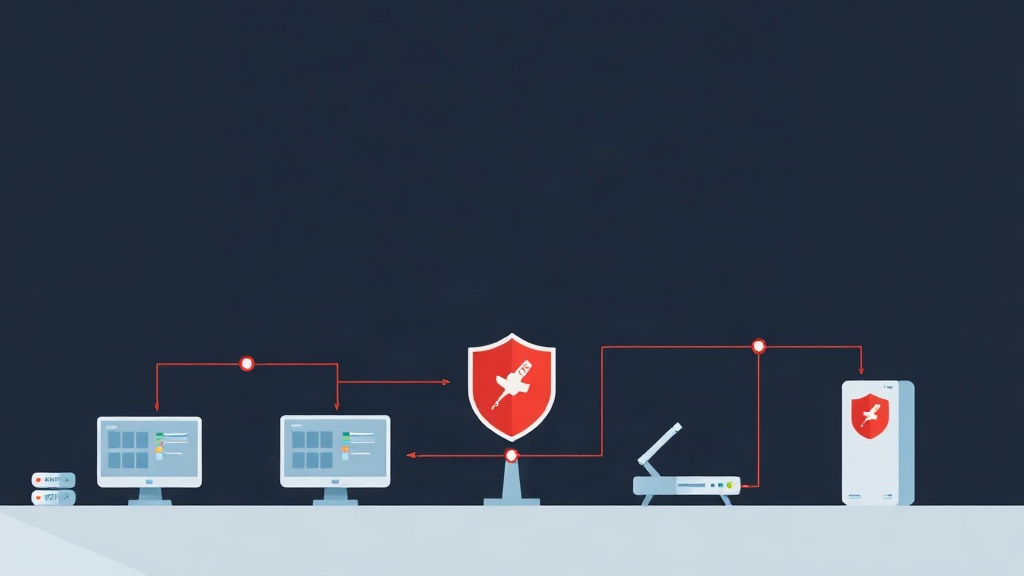
Why are traditional VPNs becoming obsolete?
Traditional VPNs are like a gate key: once you open the door, you can move freely through every room in the house. This creates a dangerous “lateral movement” vulnerability. If a hacker compromises an employee’s VPN account, your entire internal database and servers are at risk.
The Zero Trust Network Access (ZTNA) model solves this problem fundamentally with the principle: “Never trust, always verify.” Instead of opening the entire network range, ZTNA only grants access to the specific resources required by each user. Firezone has emerged as a top choice by combining Zero Trust philosophy with the superior performance of WireGuard.
The key advantages of Firezone
After deploying it for several projects with around 100 employees, I’ve found that Firezone offers four standout advantages:
- Real-world performance: WireGuard has 3-4 times higher throughput than OpenVPN. In my tests, the ping latency to internal servers via Firezone was nearly identical to a direct connection.
- Modern Dashboard: You no longer have to struggle with manual
.conffile creation. All user additions and device management are handled through a Web UI. - SSO Ecosystem: Seamless integration with Google Workspace, Okta, and Microsoft Entra ID (Azure AD). Employees just click “Login with Google” to connect.
- Real-time control: You can revoke access for any device instantly with a single click.
Minimum System Requirements
To ensure stable operation for approximately 20-50 concurrent users, you should prepare a VPS with the following specifications:
- Operating System: Ubuntu 22.04 LTS is preferred for its modern kernel, which provides excellent support for WireGuard.
- Hardware: Minimum 1 vCPU and 2GB RAM (Firezone runs with Docker and Caddy, so it needs some RAM for stability).
- Network: Ports 80, 443 (TCP) for web management and port 51820 (UDP) for the WireGuard tunnel.
- Domain: An A record pointing to your VPS IP (e.g.,
vpn.company.com).
Detailed Installation Process
Firezone provides an automatic installation script via Docker, reducing deployment time to less than 5 minutes.
Step 1: Run the installation script
Connect to your server via SSH and execute the following command:
bash <(curl -s https://raw.githubusercontent.com/firezone/firezone/master/scripts/install.sh)The script will ask for your admin email and domain. Enter them accurately, as Firezone will use this information to automatically issue a free SSL certificate from Let’s Encrypt.
Step 2: Define Resources
After logging into the Dashboard, the first step is to define what users are allowed to access. Instead of allowing the entire 10.0.0.0/8 range, split it based on actual needs.
Pro tip: If you find IP range calculations confusing, use a Subnet Calculator. This tool helps you quickly determine the IP range from a CIDR, preventing configuration errors that could block user access to servers. For example: Dev range is 172.16.10.0/24, Production range is 172.16.20.0/24.
# Example configuration to allow SSH into the Dev Server cluster
Name: Dev-Environment
Address: 172.16.10.0/24
Allowed Groups: Dev-Team
Securing with Single Sign-On (SSO)
This is the most valuable feature. Instead of managing separate passwords, connect Firezone with Google Cloud Console. When an employee leaves, you simply lock their Google Workspace account. Their VPN access is immediately disabled, completely eliminating the risk of forgetting to revoke accounts.
Real-world Experience and Tips
During operation, I’ve gathered a few notes to help you avoid common issues:
- MTU Issues: If users complain about slow internal web access or freezing, try lowering the MTU to 1280. Overlapping tunnel layers often cause packet fragmentation.
- Cloud Port Opening: If using AWS or Google Cloud, remember to open port 51820 UDP in your Security Group. Many users only open TCP and wonder why the VPN won’t connect.
- Data Backup: All configurations are stored in the
$HOME/.firezonedirectory. Set up a cronjob to back up this folder daily.
Conclusion
Firezone is a perfect balance between strict security and administrative simplicity. If your business is looking for an alternative to expensive VPN systems like Cisco or Fortinet, Firezone certainly won’t disappoint. It not only protects data but also makes the IT workflow more professional and manageable.