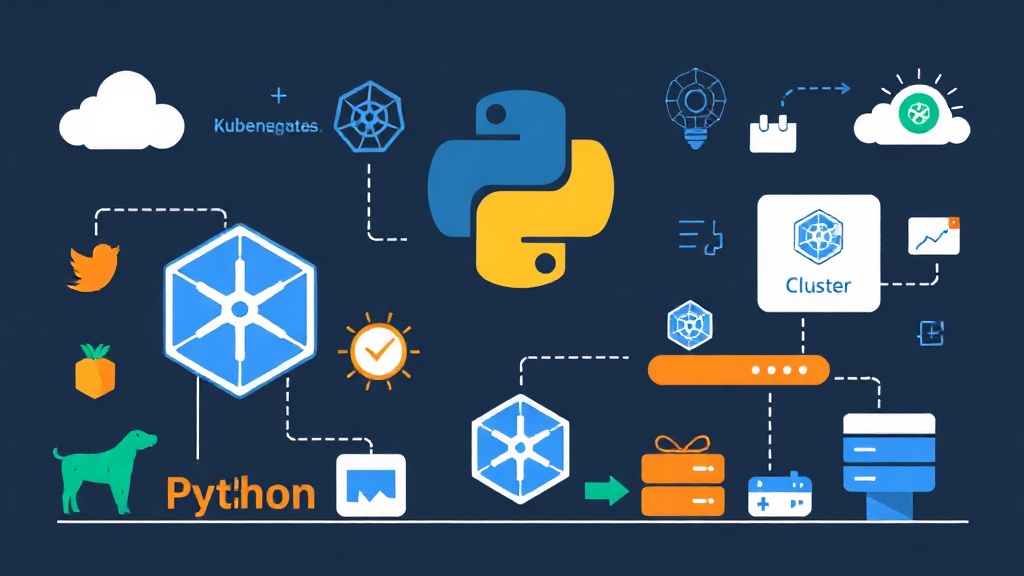
Why Use Python Instead of kubectl?
Kubectl is an excellent tool for individual tasks like checking logs or restarting a Pod. However, imagine having to scan 50 clusters to find Pods consuming over 80% RAM, or cleaning up hundreds of junk Namespaces after each testing phase. At that point, manual commands become an operational nightmare.
In fact, I once started with a Python script of just 200 lines to clean up resources. After a year, it evolved into a 2,000-line system, integrating a Slack bot for real-time incident reporting. The lesson is simple: Don’t just use scripts to run shell commands. Leverage the Python Kubernetes Client to interact directly with the API Server.
Installation and Environment Configuration
Just one command is enough to install the official library from the Kubernetes Team:
pip install kubernetesThis library requires a kubeconfig file (usually at ~/.kube/config) for authentication. If your kubectl get nodes command is working normally, the Python script will also run smoothly.
Connecting to the Cluster: Local vs. In-Cluster
This is the first step and also where many beginners get confused. Your script has two ways to “talk” to Kubernetes depending on where it is executed.
- External: Runs from a personal machine or a server outside the cluster, using a local config file.
- Internal: Runs as a Pod right inside the Cluster, using an authorized Service Account.
from kubernetes import client, config

def connect_k8s():
    try:
        # Priority: load configuration if the script is running inside a Pod
        config.load_incluster_config()
        print("Running mode: In-Cluster")
    except config.ConfigException:
        # Automatically find ~/.kube/config if running on a local machine
        config.load_kube_config()
        contexts, active_context = config.list_kube_config_contexts()
        print(f"Running mode: Local | Context: {active_context['name']}")

connect_k8s()
Managing Pods with CoreV1Api
In the world of the Kubernetes API, CoreV1Api manages the most basic resources like Pods, Nodes, and Namespaces. Suppose you need to list the status of all Pods in the “default” namespace to check system health:
v1 = client.CoreV1Api()
print("List of Pods and their IPs:")
# Add label_selector to filter the specific application needed
ret = v1.list_namespaced_pod(namespace="default", label_selector="app=nginx")
for i in ret.items:
    print(f"{i.status.pod_ip:15} | {i.metadata.name:30} | {i.status.phase}")
My experience is to always check the status.phase field. Just because a Pod exists doesn’t mean it’s running. It could be stuck in Pending or CrashLoopBackOff all day if you don’t handle the logic at this stage.
Automating Deployments with AppsV1Api
While CoreV1Api handles individual objects, AppsV1Api is the “commander-in-chief” coordinating Deployments and StatefulSets. This is a powerful tool for performing automated Rolling Updates without manual intervention.
For example, the following code will update a new image for a Deployment in a production environment:
def update_deployment_image(name, namespace, new_image):
    apps_v1 = client.AppsV1Api()

    # Read the current deployment configuration
    deployment = apps_v1.read_namespaced_deployment(name=name, namespace=namespace)

    # Update the image for the first container in the list
    deployment.spec.template.spec.containers[0].image = new_image

    # Send a patch command for the API Server to perform the update
    apps_v1.patch_namespaced_deployment(name=name, namespace=namespace, body=deployment)
    print(f"[OK] {name} has been upgraded to image: {new_image}")

# Practical usage
# update_deployment_image("api-gateway", "prod", "my-repo/api:v2.0.1")
Listening to Events (Watch Events) in Real-time
Instead of creating an infinite loop to ask the API Server “Is the Pod done yet?”, use the watch mechanism. This allows the script to receive notifications immediately when changes occur, reducing system load and increasing reaction speed.
from kubernetes import watch

v1 = client.CoreV1Api()
w = watch.Watch()

print("Streaming events from the Cluster...")
for event in w.stream(v1.list_namespaced_pod, namespace="default", timeout_seconds=60):
    pod_name = event['object'].metadata.name
    event_type = event['type']

    if event_type == 'DELETED':
        print(f"🔥 WARNING: Pod {pod_name} was just deleted!")
    elif event_type == 'MODIFIED':
        print(f"⚙️ Pod {pod_name} just changed status.")
Upgrading Code Structure: From Script to System
Don’t repeat my mistake of cramming everything into a single main.py file. As your automation system grows, maintenance will become extremely difficult. Keep these three golden rules in mind:
- Encapsulation: Group K8s handling logic into classes like
K8sManagerfor reusability. - Exception Handling: The API Server often returns 404 (Not Found) or 403 (Forbidden) errors. Always wrap your code in
try-exceptblocks with error handling strategies like Tenacity for resilience. - Professional Logging: Replace
print()with a dedicated logging library. You will need these log files when background scripts fail.
Shifting from a “command-typing” mindset to “system programming” helps you fully master your infrastructure. Kubernetes is not just an orchestration tool; it is a powerful programming platform.
Try writing a small script to automatically delete Evicted Pods to clean up your cluster today. Good luck!