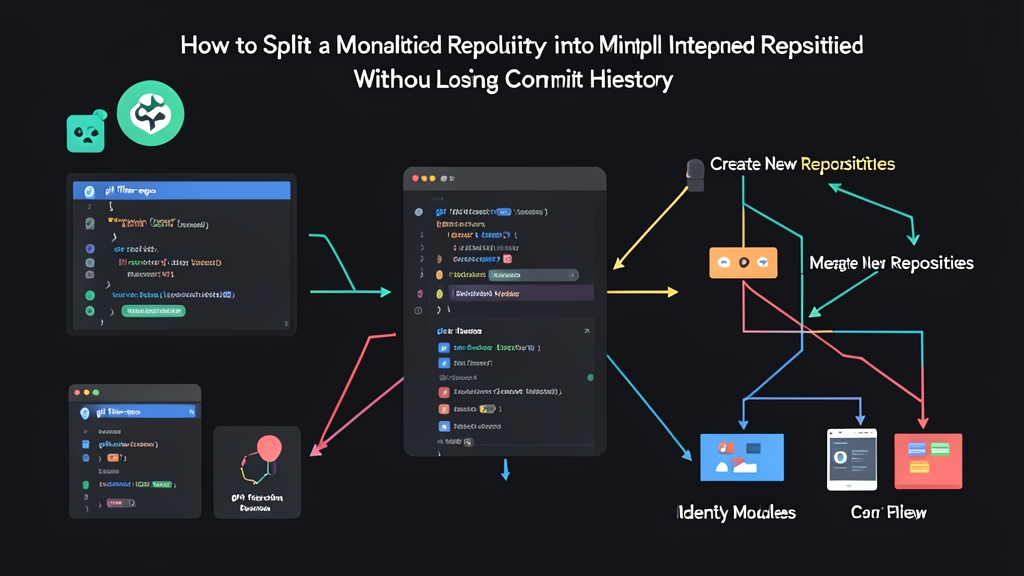
Incident at 2 AM
The clock struck exactly 2:15 AM. I was on release duty when Slack started blowing up. The CI/CD server (8 vCPUs, 32GB RAM) froze completely. Disk I/O hit 100% because five pipelines simultaneously pulled down a monolithic repository weighing over 14GB with more than 65,000 commits. It housed everything from a Go backend and a React frontend to Python workers and a pile of internal documentation.
The straw that broke the camel’s back came when a minor frontend CSS fix accidentally triggered the entire backend test suite. The worker queue ground to a complete halt. The whole team scrambled to roll back. That very night, we made up our minds: this monolith had to be split apart before the next release.
However, an immediate dilemma arose. How do you extract services/payment into a new repository without losing the commit history? That history documents which lines changed, who changed them, and the business context behind every decision over the past three years. Simply copying files over and running git commit -m "initial commit" would leave future maintainers completely stranded when debugging issues.
Understanding Git History
Git doesn’t store files as line-by-line diffs. Under the hood, Git is a directed acyclic graph (DAG) composed of commit, tree, and blob objects. Each commit points to its parent commit and a tree object representing a snapshot of the entire directory tree at that point in time.
When carving out a subdirectory into a standalone repository, we need to rewrite Git history with three clear goals:
- Promote the subdirectory (for instance,
services/payment/) to the root (/) of the new repository. - Preserve the logical commit graph, author metadata, timestamps, and commit messages for all relevant commits.
- Completely strip out unrelated commits so the new repository remains as lightweight as possible.
The two most popular tools for this job are:
- git subtree split: A built-in Git command that requires no external dependencies, ideal for repositories under 2GB.
- git-filter-repo: A Python-based CLI tool and modern replacement for the obsolete
git filter-branch, which Git has deprecated due to severe performance issues. It is the go-to solution for multi-gigabyte repositories.
Step-by-Step Implementation
Rule number one: always back up your repository before rewriting Git history. Never perform these operations directly in your daily working copy.
Approach 1: Using git subtree (Best for Small to Medium Repos)
Assume we want to split services/payment out of the core-monolith repository into a new repo named payment-service.
Step 1: Clone a fresh copy from remote
git clone [email protected]:my-company/core-monolith.git monolith-split-work
cd monolith-split-work
git checkout main
Step 2: Extract subdirectory history into a dedicated branch
# Syntax: git subtree split -P <directory> -b <branch_name>
git subtree split -P services/payment -b split-payment-branch
This command traverses the entire commit history backward. Every change within services/payment is recreated on the split-payment-branch, lifting its contents directly to the root directory.
Step 3: Initialize the target repository and pull the history
Step out of the current directory to create the new repository:
cd ..
mkdir payment-service
cd payment-service
git init

# Pull data from the newly extracted branch into the new repo's main branch
git pull ../monolith-split-work split-payment-branch:main
Quickly verify the results:
ls -la
git log --oneline --graph -n 10
All payment files now reside directly at the root. Running git log confirms that the commit history contains only changes related to this service.
Step 4: Push to the new remote repository
git remote add origin [email protected]:my-company/payment-service.git
git branch -M main
git push -u origin main --tags
Approach 2: Using git-filter-repo (Built for Large Repos)
On our team’s 14GB repository, git subtree took over 40 minutes to run. In contrast, git-filter-repo completed the job in just 35 seconds. The performance difference is night and day.
Tool installation:
# macOS
brew install git-filter-repo

# Ubuntu / Debian
sudo apt update && sudo apt install -y git-filter-repo

# Or install via pipx/pip
pip install git-filter-repo
Step 1: Clone a completely clean copy
git clone [email protected]:my-company/core-monolith.git payment-service-filter
cd payment-service-filter
Step 2: Filter for the target directory
The following command removes all other directories and promotes services/payment to the project root:
git filter-repo --subdirectory-filter services/payment --forceA helpful safety feature: git-filter-repo automatically unlinks the old origin remote, preventing you from accidentally running git push -f and corrupting the original monorepo.
Step 3: Attach the new remote and push all references
git remote add origin [email protected]:my-company/payment-service.git
git push -u origin --all
git push -u origin --tags
Cleaning Up the Original Monorepo
Once the new repository is up and running reliably on the remote, delete the extracted directory from the monorepo to prevent teammates from inadvertently committing to the old path:
cd ../core-monolith
git checkout main
git pull origin main

git rm -r services/payment
git commit -m "refactor: migrate payment service to standalone repository"
git push origin main
Real-world impact after splitting this service: CI pipeline execution times plummeted from 25 minutes to just 2.5 minutes. Clone sizes for both frontend and payment engineers dropped from 14GB to under 300MB, completely eliminating worker queue bottlenecks.
Conclusion
Splitting a monorepo is far more than moving files around. Its greatest value lies in preserving the technical context living inside the commit history. Stick with git subtree if your repo is relatively compact and you want zero setup overhead. When dealing with repositories tens of gigabytes in size, switch straight to git-filter-repo to save hours of time.