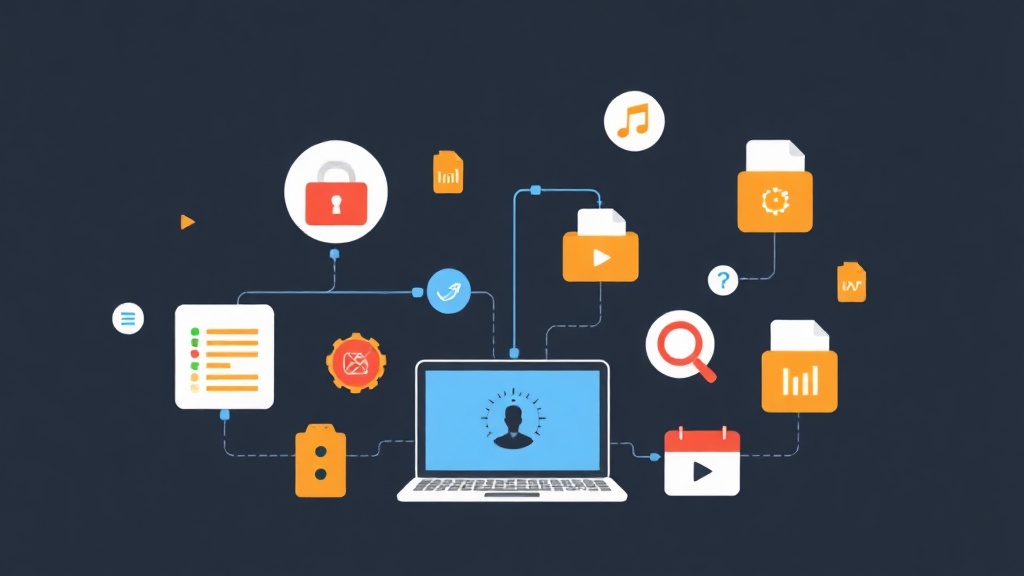
The “Over-engineering” Trap in Small Projects
Have you ever spent an entire afternoon just setting up Docker, configuring PostgreSQL, and connecting S3 for a… Todo List app? This is a common situation for many developers when working on side projects or taking on short-term freelance jobs. We often get bogged down in complex infrastructure setup before we even write the first line of logic.
I once took on a small warehouse management project. Initially, I planned to use NestJS, PostgreSQL, and MinIO to “follow the proper process.” The result was that after 15 hours of fumbling with boilerplate and permissions, I realized I was wasting time on repetitive tasks. By then, the product should have already had a demo version ready for the client.
Why Does Traditional Backend Consume So Much Time?
The problem lies in fragmentation. A complete system usually requires three separate pillars:
- Database: Data storage (usually MySQL or Postgres).
- Authentication: User and session management.
- File Storage: A place to store uploaded images or documents.
Each of these components requires its own configuration via environment variables. When deploying, managing this “mess of wires” is a real headache for those who want to move fast (MVP).
A Quick Comparison of Existing Solutions
Before discovering PocketBase, I usually considered three directions:
- Firebase: Convenient but prone to “cost explosions” when scaling. You are also locked into Google’s ecosystem.
- Supabase: Very powerful with PostgreSQL. However, self-hosting Supabase is quite heavy, requiring a server with at least 4GB of RAM to run stably.
- Custom Backend: The most optimized but extremely labor-intensive for basic features.
PocketBase – The Minimalist Solution for Pragmatic Developers
PocketBase is an open-source Backend-as-a-Service (BaaS) written in Go. The difference lies in its compactness: The entire backend fits into a single executable file (only about 40MB).
Despite its small size, PocketBase still packs heavy-duty weapons:
- Database: Uses SQLite with built-in Realtime capabilities (instant data change listening).
- Auth: Full support for Email/Password and OAuth2 (Google, GitHub, Apple…).
- Storage: Automatically manages local files or pushes to S3-compatible storage.
- Admin UI: An intuitive management interface, comparable to premium dashboards.
Activate Your Backend in 30 Seconds
No tedious installation required. You just need to download the binary file and run the command:
./pocketbase serveThe system will initialize at http://127.0.0.1:8090. By accessing /_/, you can create data tables (Collections) with just a few clicks. Everything from validation to permissions is configured directly within this interface.
Connect Your Frontend Instantly
PocketBase provides official SDKs for JavaScript and Dart. If you use React, Vue, or Svelte, simply install:
npm install pocketbaseQuerying data becomes incredibly concise:
import PocketBase from 'pocketbase';
const pb = new PocketBase('http://127.0.0.1:8090');

// Get the latest posts
const records = await pb.collection('posts').getList(1, 10, { sort: '-created' });

// Log in with just one line of code
const authData = await pb.collection('users').authWithPassword('[email protected]', 'password123');
File Management: No More Multer Woes
If you’ve ever worked with Node.js, you surely know the pain of configuring Multer for file uploads. With PocketBase, you just create a field of type “File.” The system automatically handles storage, thumbnail generation, and public access URL creation.
Practical Perspective: When Should You Use It?
I tried refactoring an internal management system from Node.js to PocketBase. The performance was impressive. SQLite can handle more than 10,000 concurrent connections for read tasks. However, keep in mind: SQLite is not suitable for applications with extremely high and continuous write frequency.
PocketBase is the #1 choice for:
- MVP products to quickly validate ideas.
- Internal management apps for small and medium-sized businesses.
- Mobile apps requiring simple realtime synchronization.
- Personal blogs or portfolios with moderate traffic.
Conclusion
Don’t let infrastructure setup dampen your creative inspiration. PocketBase helps us focus on what matters most: the value of the product. One binary file, copy it to a VPS and it runs – that is the liberation every developer should experience at least once.