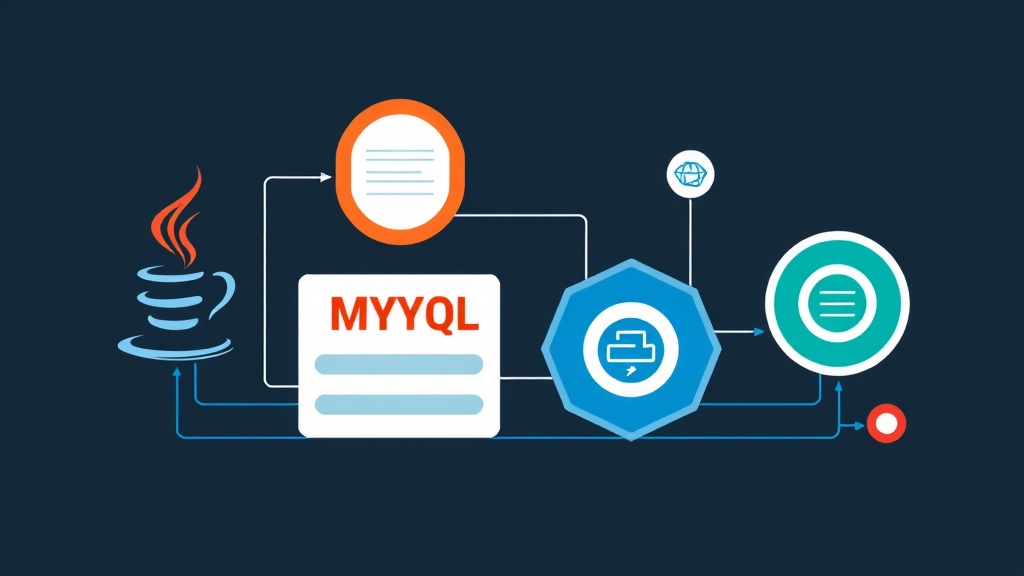
2 AM and the Nightmare Called “Connection Timeout”
The phone vibrates incessantly. You wake up, half-asleep, checking logs to find thousands of error lines: HikariPool-1 - Connection is not available. The production system is officially paralyzed. This is a horrific scenario I experienced when the database hit the 50GB mark and user traffic surged 300% overnight.
The fault doesn’t lie with MySQL. The real culprit is often how we manage connections and transactions in Java code. Although Spring Boot comes with good default configurations, to handle loads of millions of records, you must dive deep into HikariCP. This article shares practical tweaks that helped me resolve this issue once and for all.
Why is Connection Pooling So Important?
Every time an application needs a query, it must perform a TCP handshake and authenticate with MySQL. This process is resource-intensive. If every request creates a new connection and then closes it, the database server’s CPU will soon hit 100%.
HikariCP acts like a fleet of taxis waiting (idle). Instead of calling a new car, the app just takes an available one. However, if the fleet is too small, customers have to wait. Conversely, if there are too many cars, the parking lot (RAM) will be overloaded. Finding the “just right” number is the key to optimization.
Standard Environment Setup
First, check your pom.xml. I always recommend using the latest MySQL Connector version to leverage performance and security patches.
<dependencies>
    <dependency>
        <groupId>org.springframework.boot</groupId>
        <artifactId>spring-boot-starter-data-jpa</artifactId>
    </dependency>

    <dependency>
        <groupId>com.mysql</groupId>
        <artifactId>mysql-connector-j</artifactId>
        <scope>runtime</scope>
    </dependency>
</dependencies>
Configuring HikariCP: Don’t Trust the Defaults
Never use default configurations in production. Here are the settings I typically use for medium-to-high traffic systems in the application.yml file:
spring:
  datasource:
    url: jdbc:mysql://localhost:3306/my_db?useSSL=false&serverTimezone=UTC&allowPublicKeyRetrieval=true
    hikari:
      # Limit concurrent connections. For a 2-core DB, 20 is a good starting point.
      maximum-pool-size: 20
      # Always maintain at least 5 idle connections.
      minimum-idle: 5
      # Throw an error if a connection isn't available after 30s instead of hanging the app.
      connection-timeout: 30000
      # Maximum lifetime of a connection.
      max-lifetime: 1800000
      pool-name: MyHikariPool

  jpa:
    hibernate:
      ddl-auto: validate
    show-sql: false # Disable SQL logging in production to save IOPS
Pro Tip: I once set max-lifetime to 30 minutes, but the MySQL server’s wait_timeout was only 10 minutes. The app kept trying to use connections already severed by MySQL, resulting in a flood of Broken pipe errors. Always ensure max-lifetime is at least 2-3 minutes shorter than the MySQL timeout.
Transaction Management: Small and Lean is Power
Overusing @Transactional is the shortest path to database locking. The golden rule: Only wrap what is absolutely necessary.
Leverage Read-Only to Speed Up SELECTs
For read-only tasks, use @Transactional(readOnly = true). Hibernate will skip the dirty checking step, reducing memory load and increasing response speed by about 10-15%.
@Transactional(readOnly = true)
public List<Product> getAllProducts() {
    return productRepository.findAll();
}
Never Call External APIs Inside a Transaction
This is a classic mistake. If you call a payment API that takes 5 seconds inside a @Transactional block, that connection will be locked for those 5 seconds. If just 20 customers pay at the same time, the entire pool will be exhausted. Make the API call first, then open a transaction to save the result to the DB.
Real-world System Monitoring
To see how the pool is “breathing,” you should enable debug logging for HikariCP. Additionally, regularly check connection status directly on MySQL using the command:
SHOW PROCESSLIST;If you see a long list of connections in a “Sleep” state, it’s a sign you’re holding transactions too long or forgetting to close them in your code.
After applying this framework, my 50GB system has been running extremely stably. Database CPU remains at 20% even during peak hours. Understanding each configuration parameter not only helps your app run faster but, most importantly, helps you get a good night’s sleep without interruptions.