Why Choose Logical Replication Over Streaming Replication?
Streaming Replication (physical) is a well-known solution for replicating an entire cluster from a Primary node to a Standby node. However, things are rarely that simple in practice. In many real-world projects, I’ve encountered problems where physical replication proved too bulky or impossible. For instance, you might only need to push 5 critical tables to a Reporting node for analytics, or you might need to sync data between two different PostgreSQL versions, such as v12 and v16.
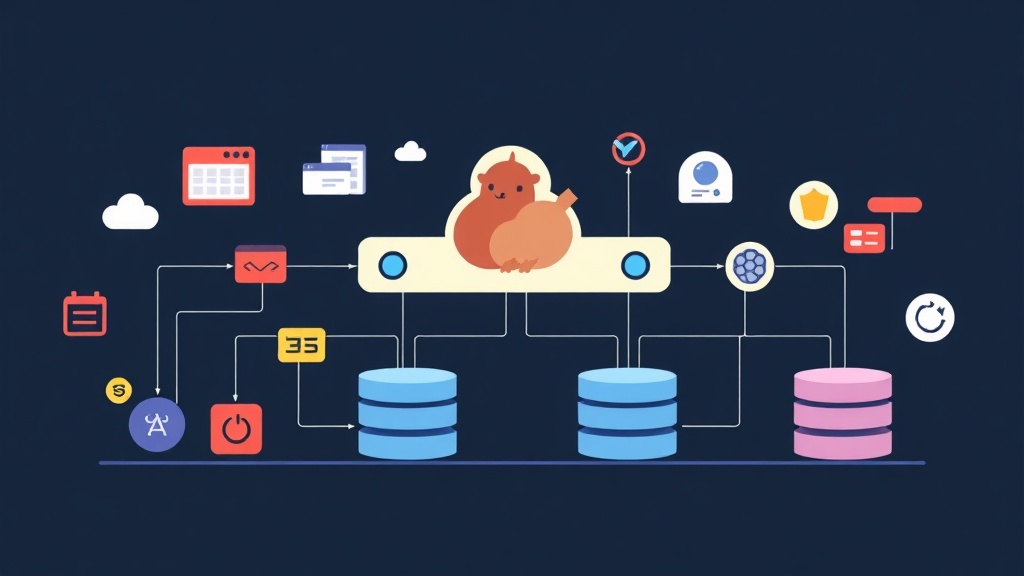
This is where Logical Replication shines. Instead of copying raw data blocks on the disk, it decodes changes (INSERT, UPDATE, DELETE) into logical data streams. This mechanism allows us to precisely select specific tables, and even filter data by row (row filter) to optimize bandwidth.
I once handled a case migrating customer data from a 2.5TB Monolith DB to a new Microservice. Using traditional dump/restore, the system would have had to be offline for at least 4-6 hours. Thanks to Logical Replication, I reduced the downtime to less than 30 seconds – just enough time for the DevOps team to update the connection strings.
A Quick Guide to Publication and Subscription
To operate smoothly, you only need to master two key concepts:
- Publication (Source side): This is where you define the list of tables you want to “broadcast.” You can choose
FOR ALL TABLESor specify a list of specific tables. - Subscription (Target side): This is the subscriber that receives the data. A Subscriber can connect to multiple different Publishers, which is extremely useful when you want to aggregate data from 5-10 branch databases into a central data warehouse.
Note: Logical Replication does not synchronize table structures (Schema/DDL). Before connecting, ensure the tables on the target side have already been created with the corresponding structure.
Detailed Implementation Steps
Step 1: Configure the Publisher (Source)
Open the postgresql.conf file and find the wal_level parameter. The default value is usually replica; you need to change it to logical so the system records enough information for decoding.
# Minimum configuration in postgresql.conf
wal_level = logical
max_replication_slots = 10
max_wal_senders = 10
Don’t forget to restart PostgreSQL for the configuration to take effect. Next, create a dedicated user for synchronization:
CREATE ROLE replicator_user WITH REPLICATION LOGIN PASSWORD 'strong_password';
GRANT SELECT ON ALL TABLES IN SCHEMA public TO replicator_user;
Then, create a Publication for the necessary tables, for example, orders and customers:
CREATE PUBLICATION my_selective_pub FOR TABLE orders, customers;Step 2: Set up the Subscriber (Target)
The first step is to copy the data skeleton (schema). The fastest way is to use pg_dump with the --schema-only flag to avoid pulling in unnecessary data:
pg_dump -h source_host -U username -s -t orders -t customers source_db | psql -h target_host -U username target_dbFinally, activate data reception using the CREATE SUBSCRIPTION command:
CREATE SUBSCRIPTION my_selective_sub
CONNECTION 'host=source_host port=5432 user=replicator_user password=strong_password dbname=source_db'
PUBLICATION my_selective_pub;
As soon as this command executes successfully, PostgreSQL will perform an “Initial Copy” to dump all existing data to the target before switching to real-time synchronization mode.
Real-World Experience and Common Pitfalls
1. Troubles with Primary Keys
To synchronize UPDATE and DELETE commands, your tables must have a Primary Key. If they don’t, you will encounter errors immediately. In unavoidable cases where there is no primary key, you must set REPLICA IDENTITY FULL, but be careful as this significantly increases CPU load on the source server.
2. Forgetting to Sync Sequences
Logical Replication does not automatically update Sequence values (auto-increment columns). When performing a switchover to a new DB, if you don’t manually update MAX(id) for the sequences, the application will crash due to primary key duplication errors when inserting new records.
3. Disk Pressure from Replication Slots
This is the fastest way to kill a system. If a Subscriber loses connection, the Publisher will retain all WAL files while waiting. I once witnessed a server freeze because the disk filled up by an extra 200GB in just 3 hours due to a Subscriber network issue. Always set up alerting for disk capacity and slot status.
4. Monitoring Lag
To check if data is being delayed, use the following query on the Publisher node:
SELECT application_name, client_addr, state,
       pg_wal_lsn_diff(sent_lsn, write_lsn) AS write_lag
FROM pg_stat_replication;
Conclusion
Logical Replication is a powerful tool but requires meticulous attention. It helps you flex your data architecture: from decoupling microservices to aggregating data for BI/Data Warehouses. However, don’t forget to set up strict monitoring for Replication Slots to avoid disk overflow risks. I hope these real-world insights help you deploy more stable and efficient systems.